Cloud scanning
Scanned documents available from anywhere through the cloud portal.
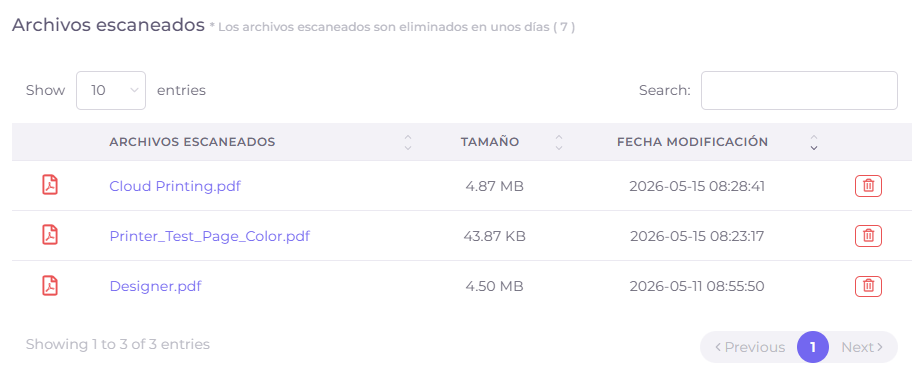
Cloud scanning synchronizes documents digitized from printers with PryntControl Cloud. Users can download them from the public web portal without needing to be connected to the center local network.
The on-premise scanner with cloud access
The document is scanned at the printer, processed by the PryntControl on-premise server and synchronized with the cloud so the user can access it from outside. The cloud extends the service, but the local server is still required.
Access from outside
Scanned documents can be retrieved without being inside the local network.
User ownership
Each document is associated with the user who performed the scan.
Fewer manual steps
Users do not depend on internal email or shared folders to retrieve documents.
Hybrid extension
Capture happens on-premise and remote availability is provided through the cloud.
From printer scan to cloud download
- Printer authentication. The user identifies themselves and uses the PryntControl scanning app.
- Server delivery. The printer sends the digitized document to the on-premise server.
- Cloud synchronization. The document becomes available in PryntControl Cloud for that user.
- Remote download. The user downloads it from the public portal from any location.
Want scanned documents available outside the center?
We can review the scanning, synchronization and cloud download flow in a demo.