Fast and simple printing
Several ways to print inside the center, with control and without complicating daily work.
PryntControl offers print workflows for classrooms, administration offices, libraries and shared rooms. The center can combine browser printing, local client, virtual printer or direct printing depending on the user profile and required control level.
Printing should be easy for users and controllable for the center
Education printing mixes shared devices, users with different permissions and personal or managed computers. PryntControl lets the center choose the right workflow without losing traceability.
Webprynt
Browser-based submission without drivers.
Print client
Windows, Linux and Mac support.
Virtual printer
Send first, release later.
Direct printing
Fast output when retention is not needed.
Printing options
Each modality covers a different need inside the center.
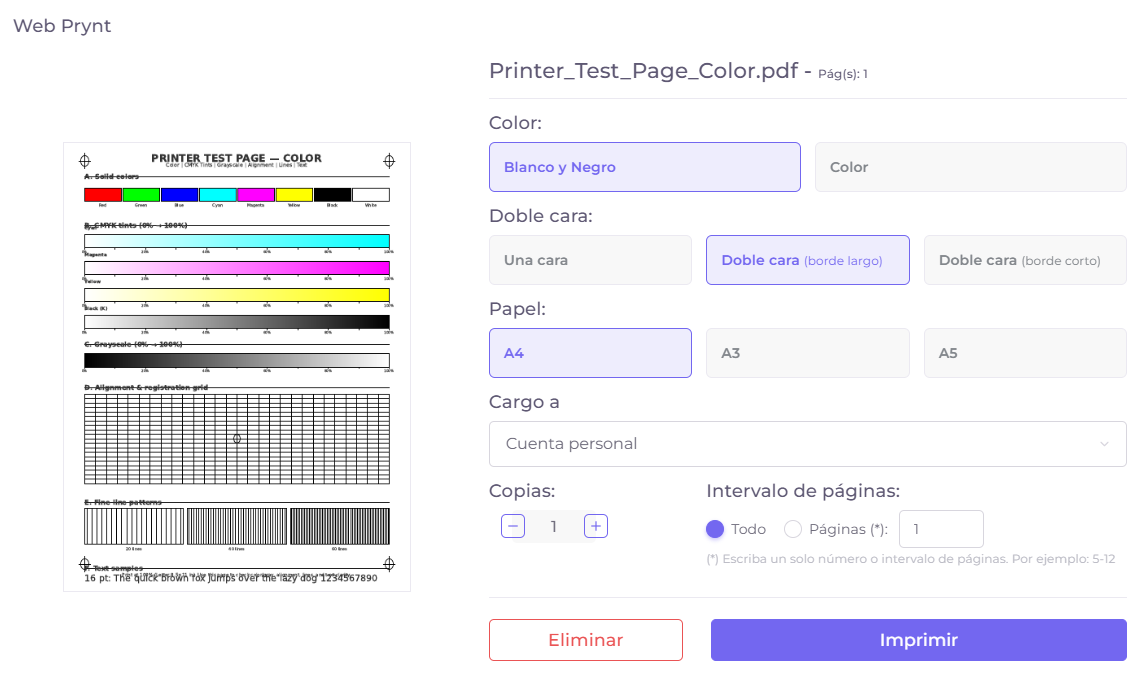
Webprynt
Printing without installing drivers.
Webprynt allows documents to be submitted from the browser. It is especially useful for users without a center-managed computer, shared devices or scenarios where drivers should not be installed on every workstation.
- Reduces manual configuration on student or visitor computers.
- Enables job submission from a controlled web environment.
- Keeps traceability of the user and submitted job.
Print client
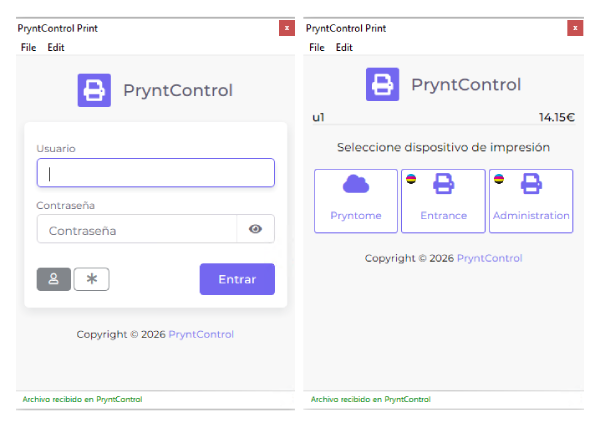
Local application for managed computers.
The print client integrates PryntControl into Windows, Linux and Mac computers. It is a strong option for classrooms, teacher rooms, administration or corporate devices where users expect a familiar but controlled print experience.
- Compatible with heterogeneous environments.
- Designed for computers managed by the center.
- Applies policies and tracking without changing the print habit.
PryntControl virtual printer
A virtual queue to send jobs and decide later where to release them.
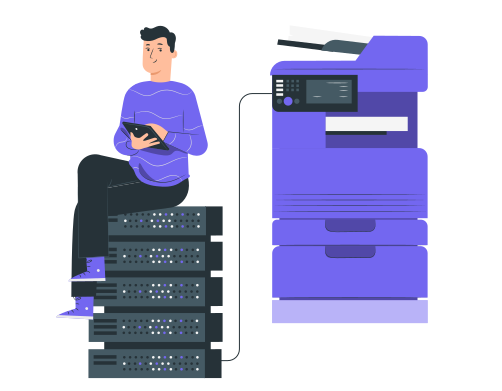
The virtual printer simplifies the experience: the user sends the job to PryntControl and later releases it on an available or authorized device. This avoids choosing a specific printer too early.
- Improves flexibility in centers with several printers.
- Supports secure release and internal mobility.
- Reduces mistakes when selecting the output device.
Direct printing
Fast printing to a specific device.
Direct printing is useful when the workflow does not need job holding or when the user always works with a specific device. PryntControl keeps control and traceability while allowing a more direct output.
- Suitable for administration offices or trusted devices.
- Reduces steps when manual release is not needed.
- Keeps usage and cost reports associated with the user.
You can also activate cloud printing
If the center needs printing from outside the network or from mobility scenarios, PryntControl can activate cloud printing synchronized with the on-premise server.
See cloud printing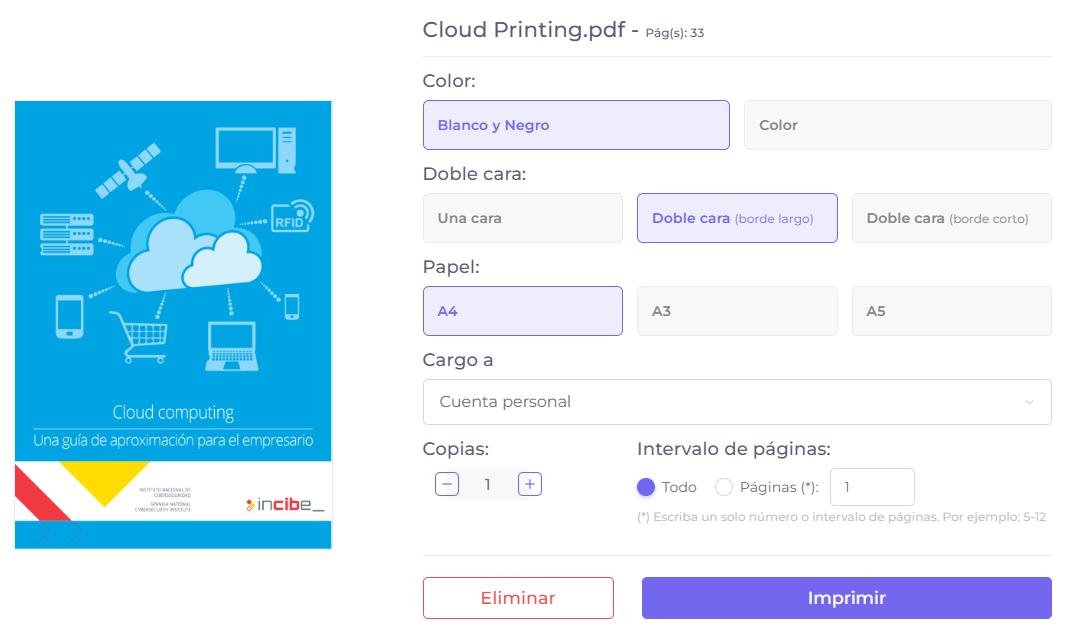
Want to see which print workflow fits your center?
We can review users, devices, network and policies to decide which modalities to activate.