Connect users
Import identities from directories, Excel or other center providers.
Users, authentication, portal and cards designed for centers with students, teachers, administration and visitors.
PryntControl centralizes user management so the center can import identities from its directories, enable self-service and let each user work with their account, balance, limits, print jobs and scans.
User management is not just about creating accounts. PryntControl can synchronize users, authenticate them against external providers, give them access to their portal and simplify registration or card linking when the environment needs it.
Active Directory, LDAP, Azure Entra ID, Excel and other sources.
Reports, limits, Webprynt and scan collection in one place.
Useful for visitors, coworking spaces and users with online top-up.
Unknown cards can be linked after user authentication.
From corporate directories to self-registration and proximity cards, each block reduces manual work and improves the user experience.
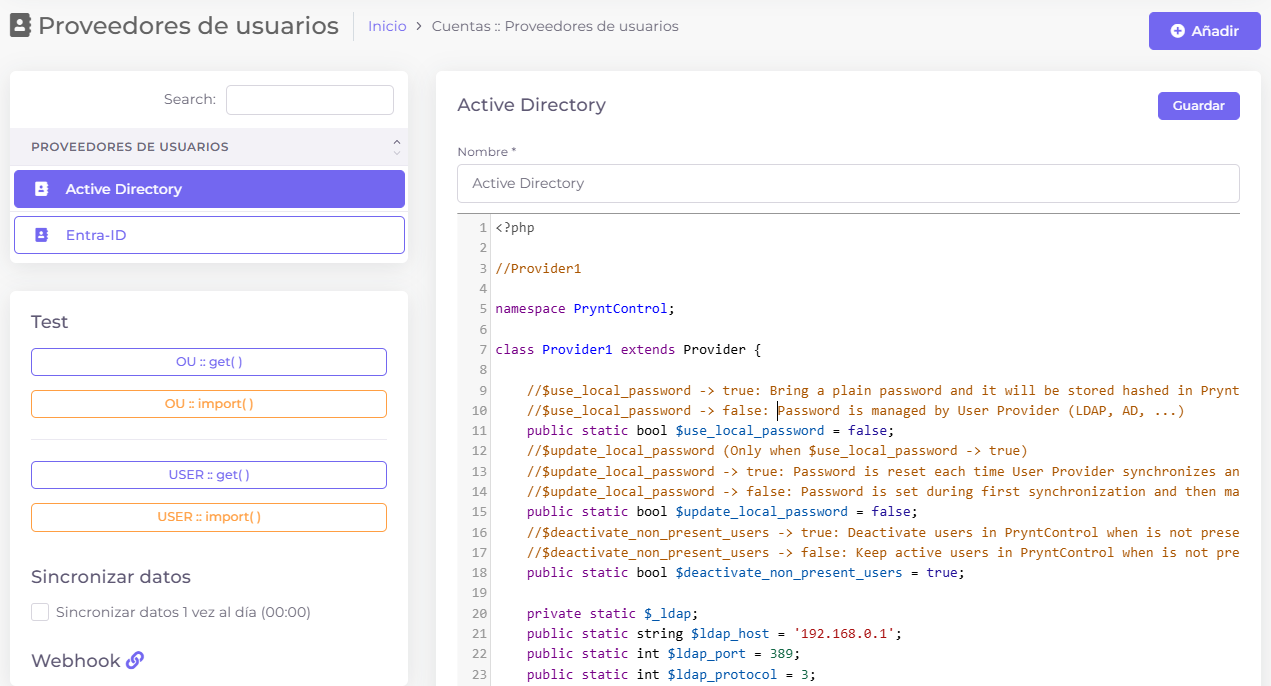
Import users from directories and authenticate them against those systems.
PryntControl can import users from external directories such as Active Directory, LDAP, Azure Entra ID or Excel files. This lets the center keep users in its main system while PryntControl uses that information for permissions, quotas, cards and print rules.
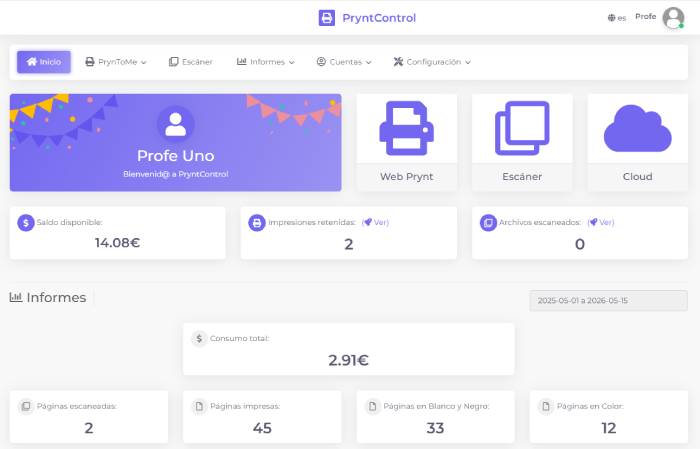
Each user can access their web area as soon as the account exists.
The user portal lets people review personal reports, check current limits or balance, print through Webprynt and collect scanned documents from PryntControl. It is the self-service point that reduces support requests and administrative work.
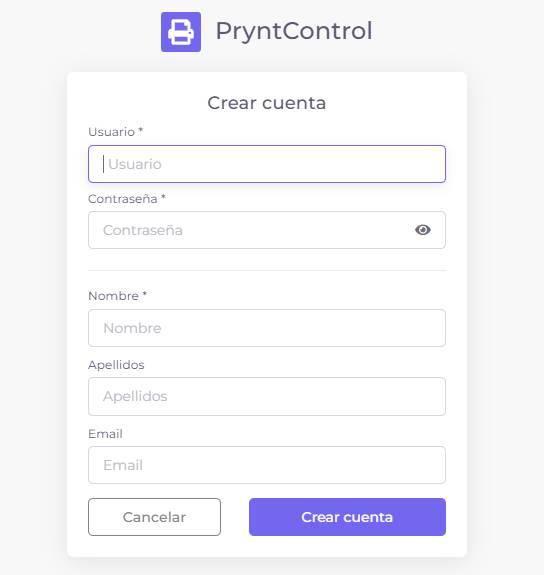
Let users create their own account from the portal login screen.
PryntControl can enable self-registration in the portal. If a person does not have an account, they can create it from the login screen. This is especially useful in coworking spaces, libraries or environments with external users: the user signs up with an initial balance of EUR 0 and can later top up by credit card.
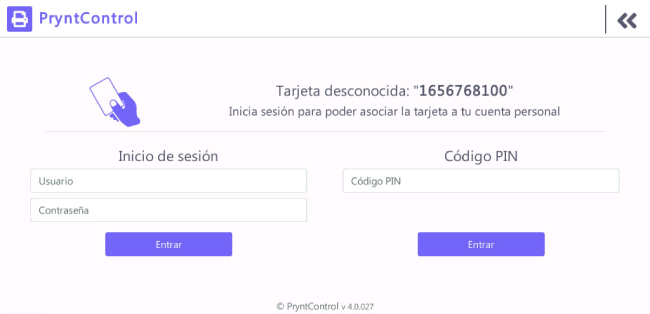
Users can link an unknown card directly from the printer.
If printers have proximity card readers and a user presents a card that PryntControl does not recognize, the system asks for authentication. Once the user signs in, the card is linked to their account and can be used later across compatible devices.
Import identities from directories, Excel or other center providers.
Associate permissions, quotas, limits and printer access by user or group.
Users use their portal to print, check consumption and collect scans.
Self-registration and card self-assignment avoid manual account and card tasks.
We can review identity providers, portal, self-registration, cards and balance scenarios in a demo.